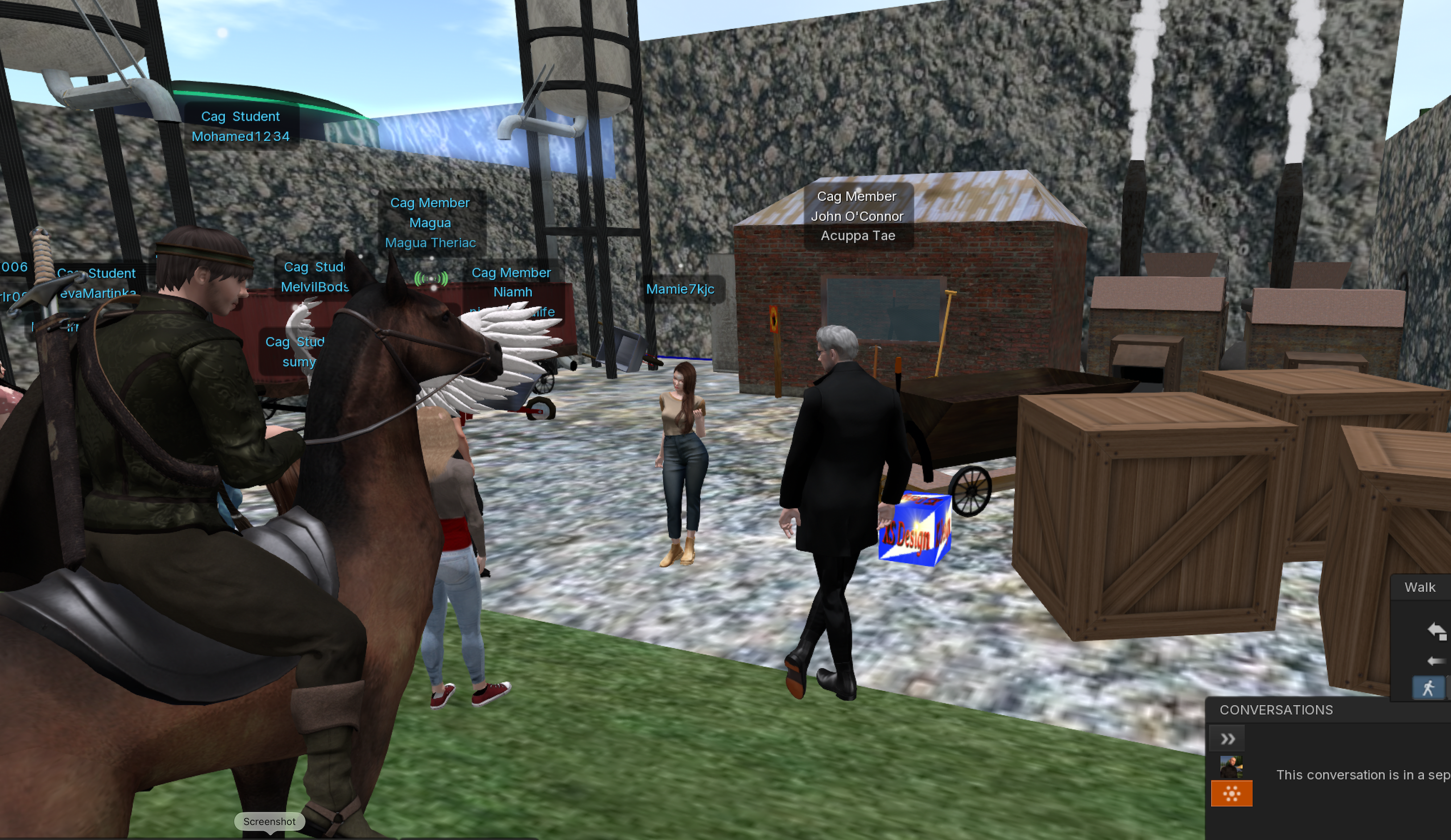
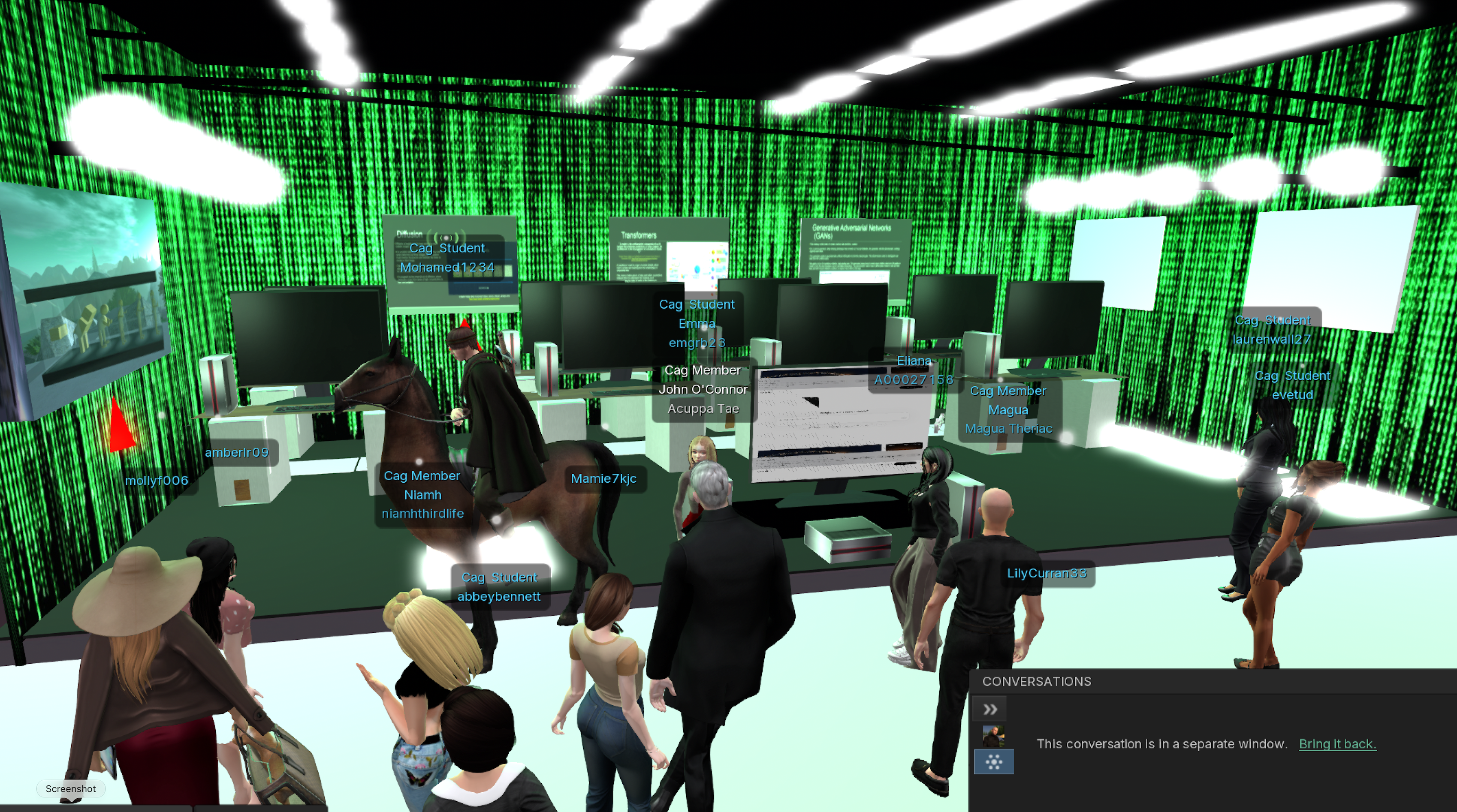
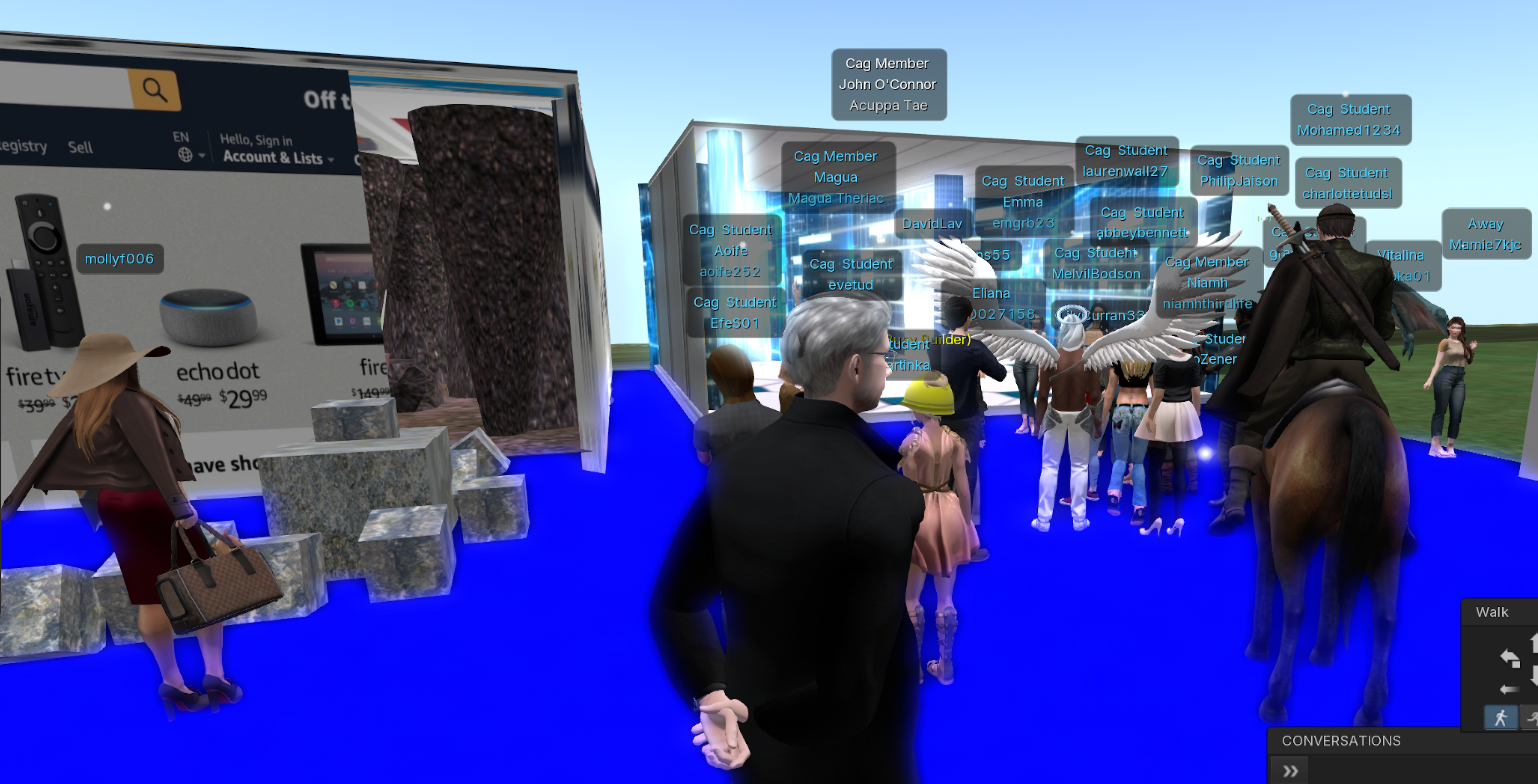
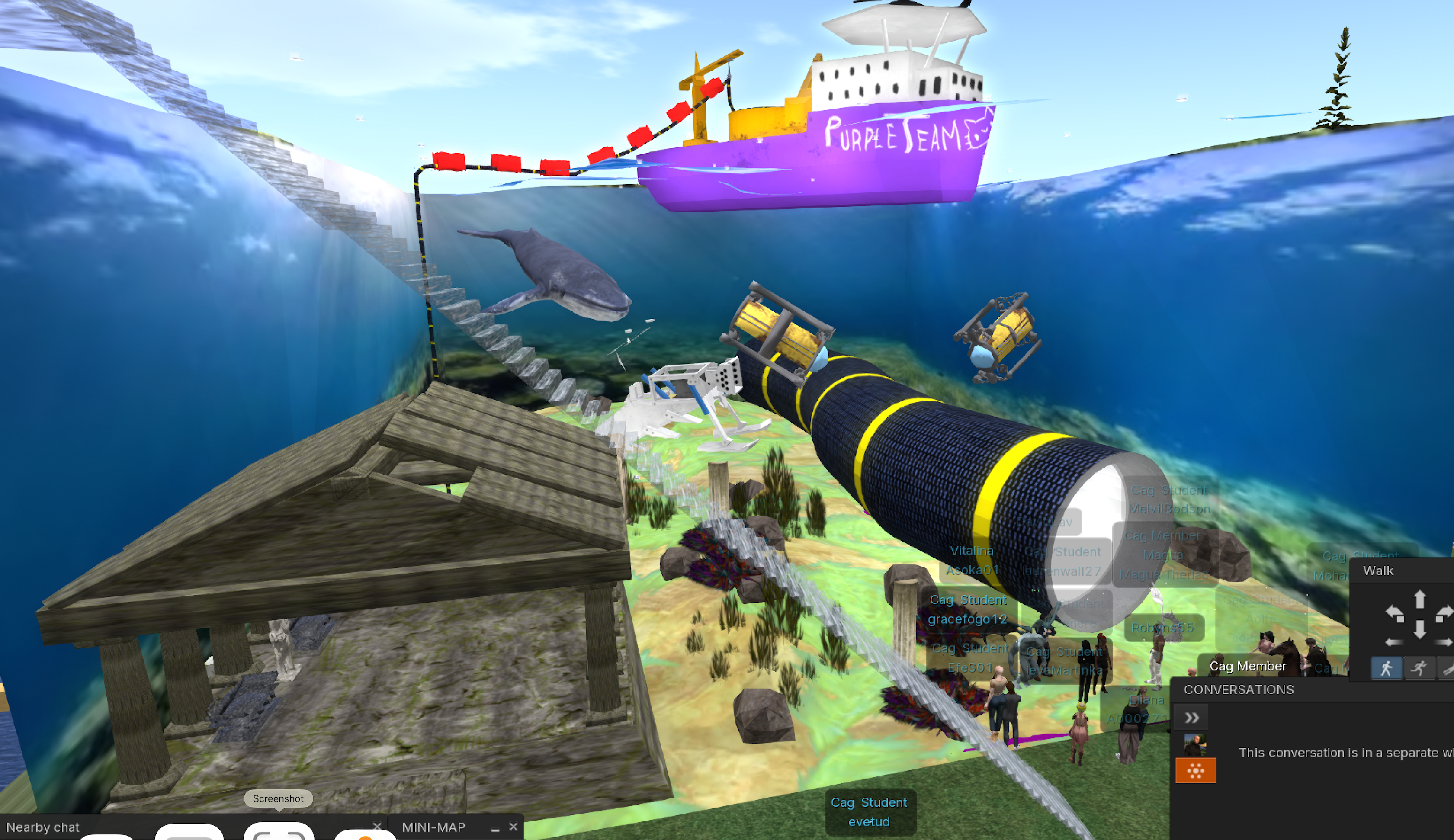
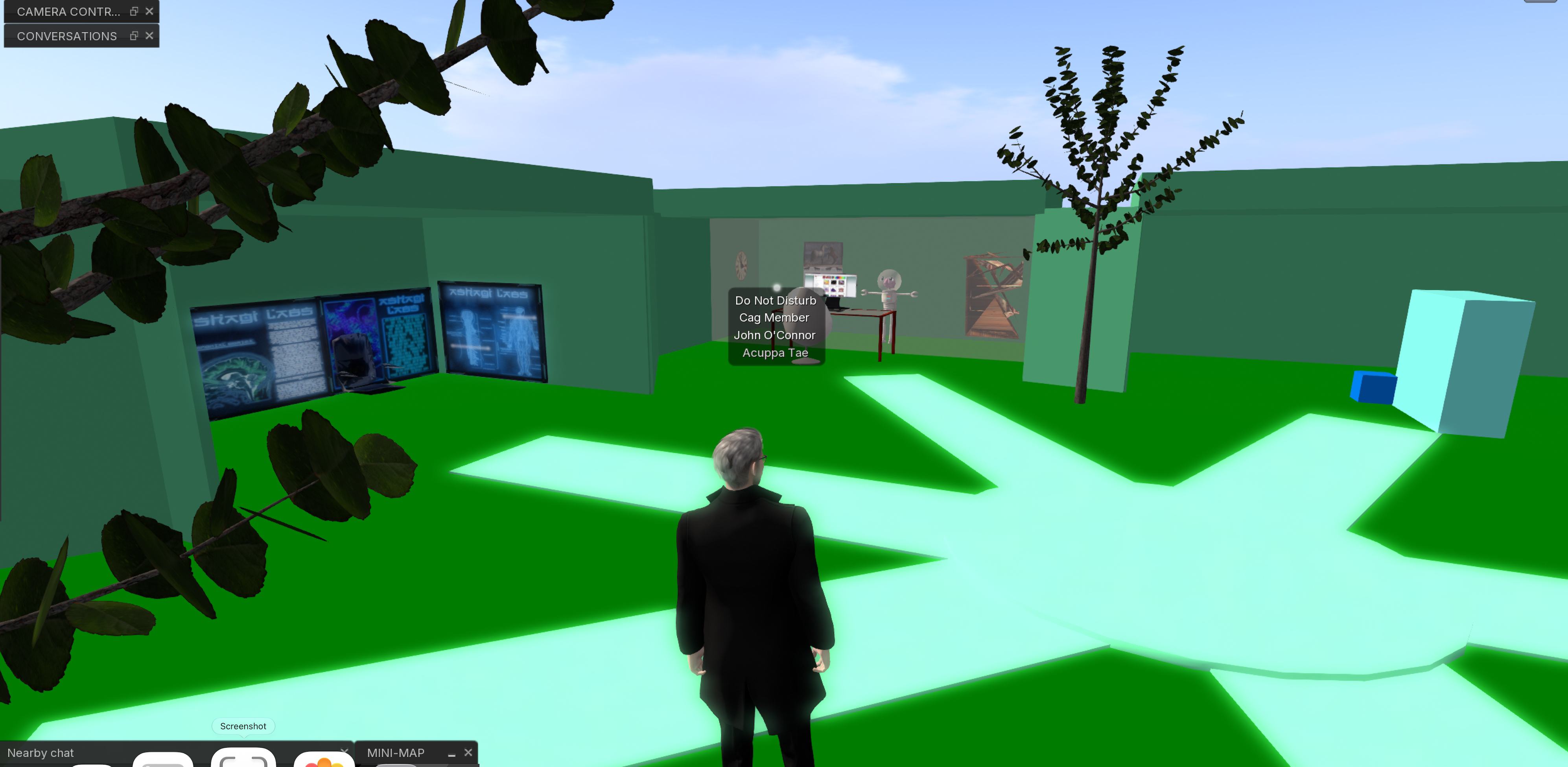
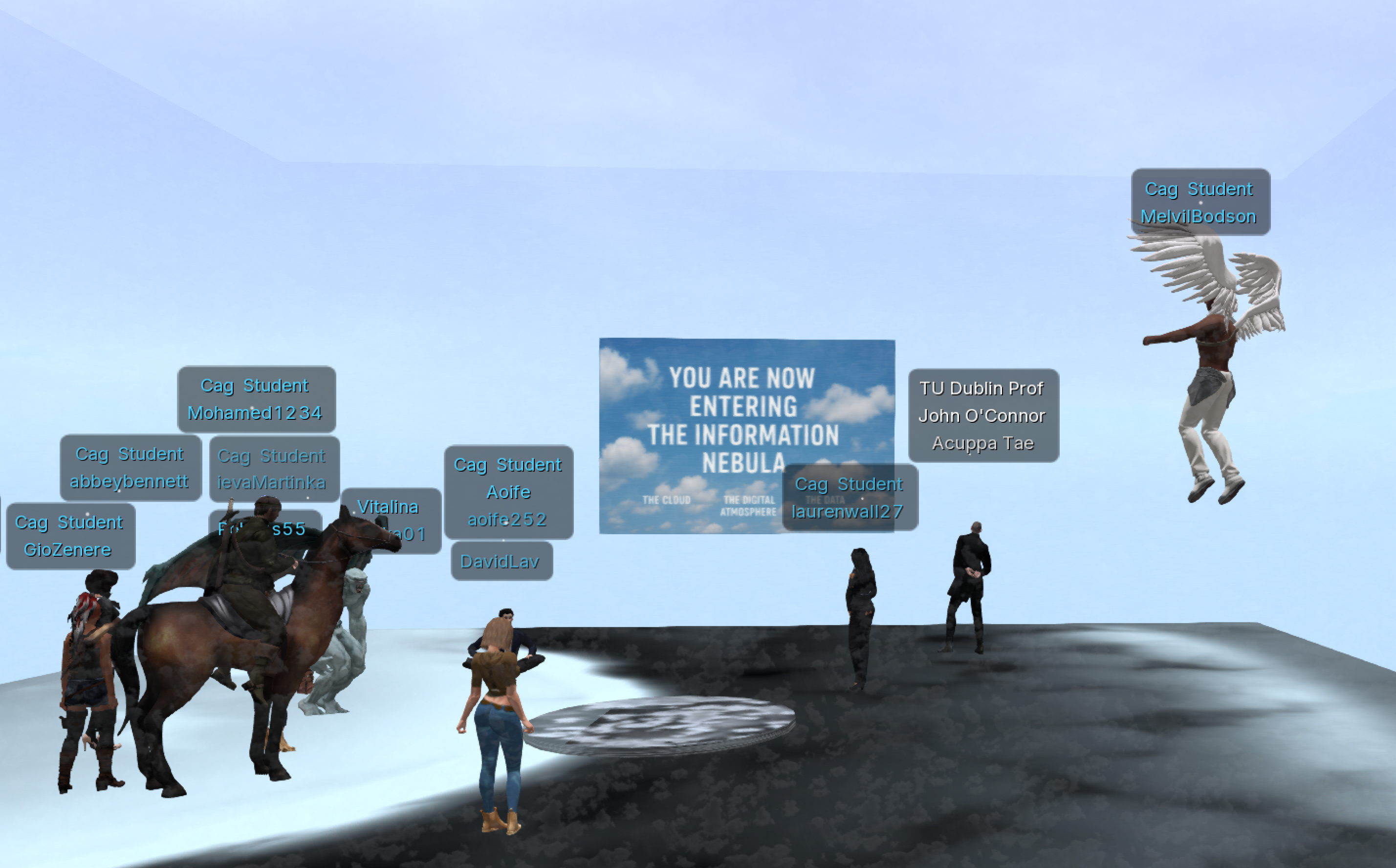
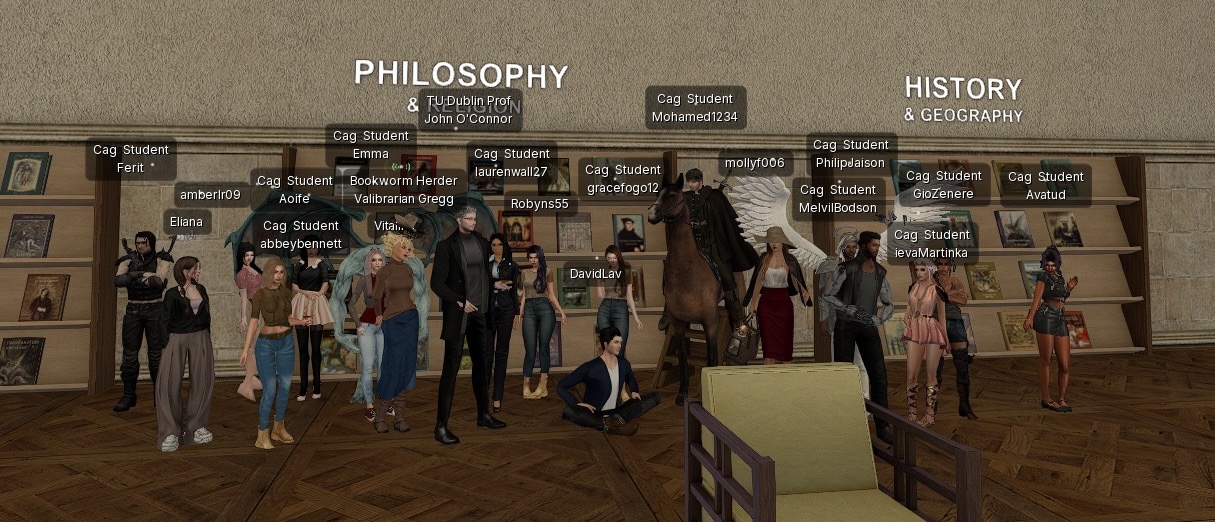
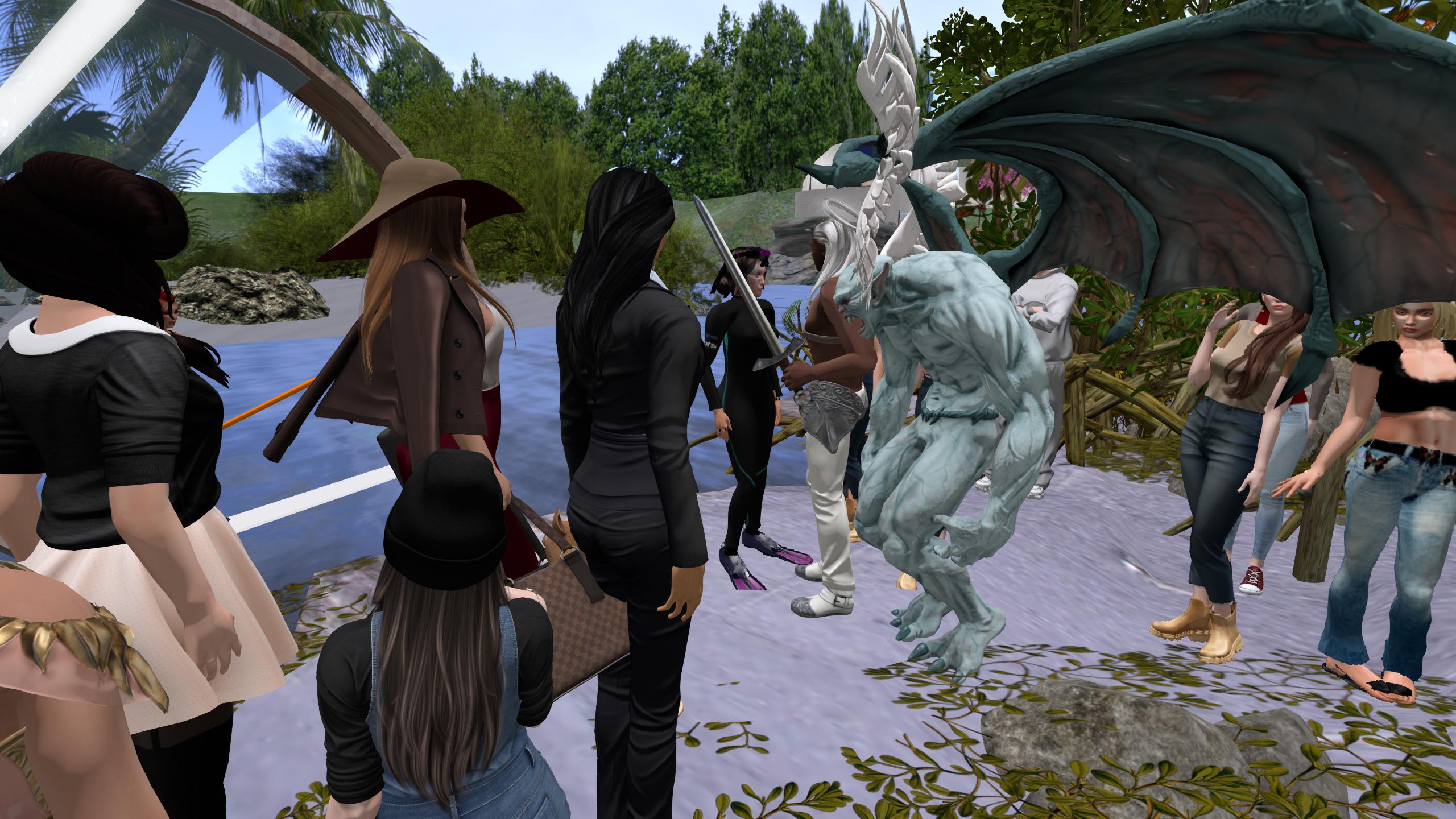
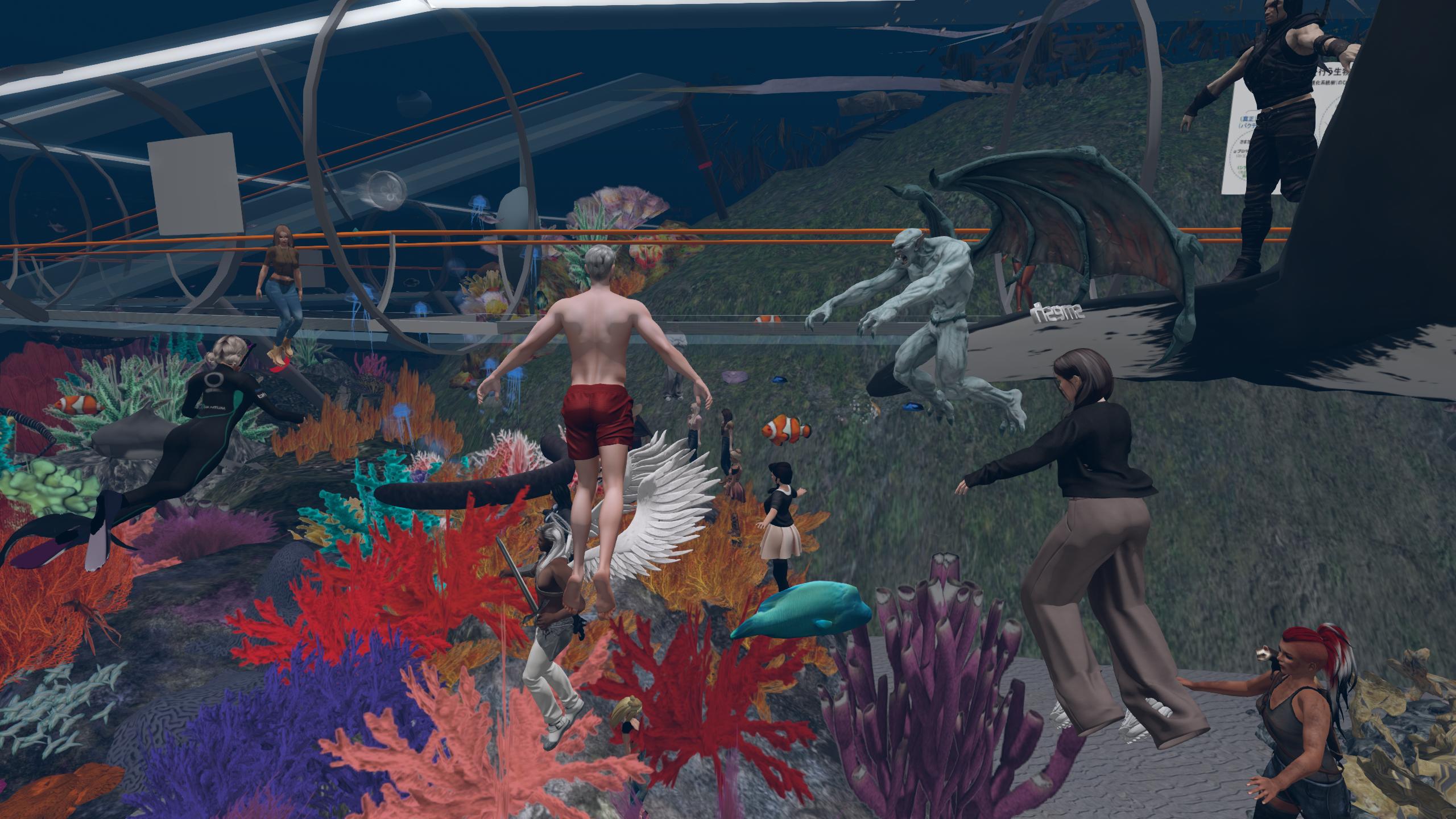
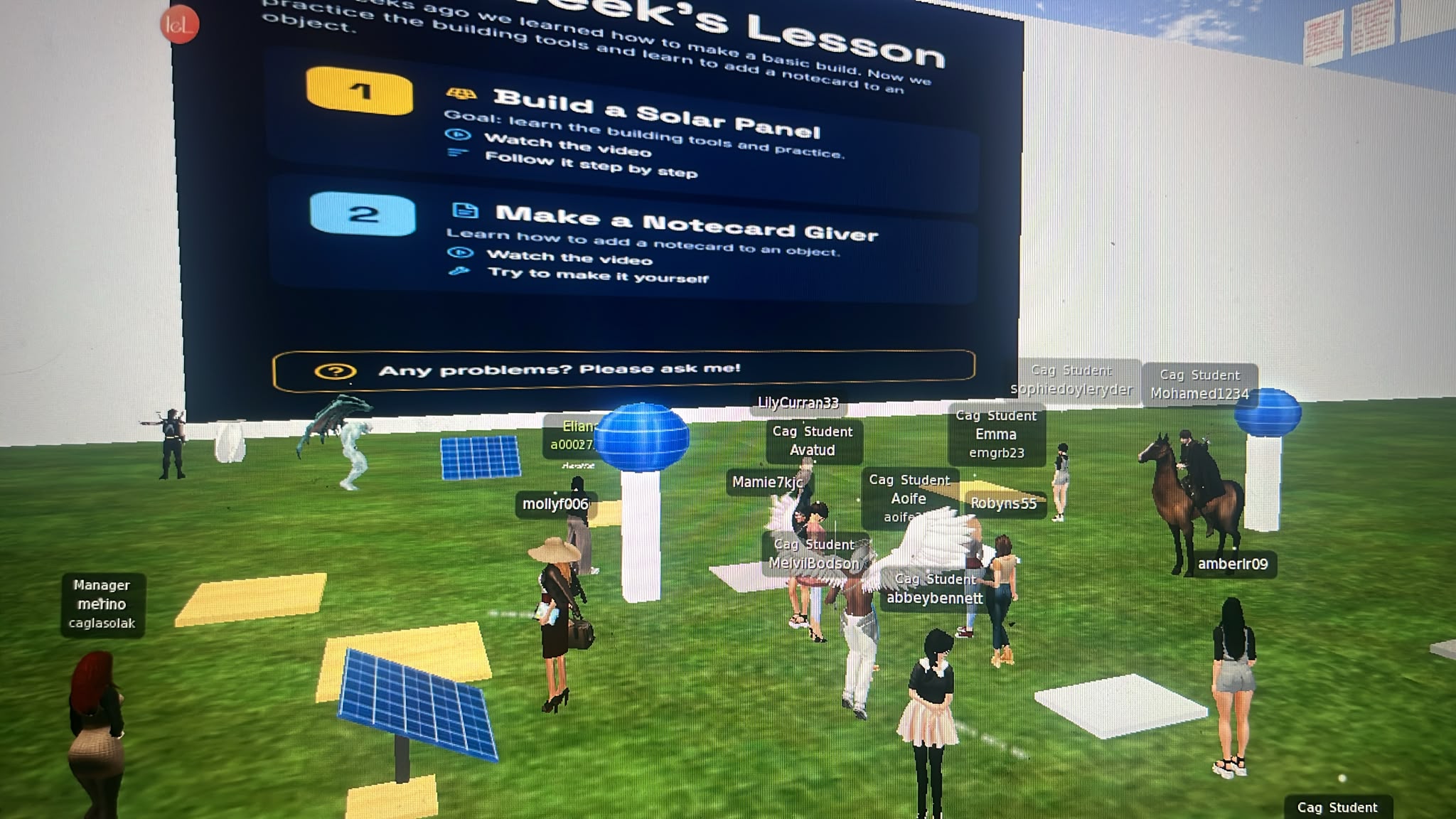
All five teams have made significant progress in the last week and each of the builds looking very impressive. The teams have each taken very different approaches to the project so the overall results present a broad range of responses to the brief, each very interesting in its own way and visually dynamic.
It was also clear that a lot of thought and work had been put into the research and development of the team presentations. Everyone was well prepared and the tours were surprisingly good for a dry run. John commented on how active the teams had been planning on WhatsApp and the impact of this was evident throughout the class.
Of course there are plenty of opportunities to improve for the final presentation next week! Here is a list of things to remember:
- It is important to try and get the presentation timing under control. This can be difficult when technical issues arise, as they almost always do. Many students reminded us that 6 and 7 member teams result in longer presentation times, so recognising that, let’s try and aim for a maximum of 15 minutes presentation time for each team. That allows each speaker 2 minutes, with extra time for introductions and hiccups. The Red Team has 7 members so you can have an extra 2 minutes.
- One of the team members should act as the host. That role includes welcoming the audience and ensuring they know what part of the site to be in during the presentation, leading the tour, introducing the project and the speakers, and wrapping up at the end.
- Ensure you do a sound check in advance. This is important to ensure all mics are working but, remember, it doesn’t guarantee that they will still be working when it is your turn to speak! All scripts should be shared and an alternative speaker chosen in advance.
- John has shared the ‘SpeakEasy’ app with each team lead. It is simple to use and there is an instruction notecard in the folder to help. It allows you put your text in a notecard so that it can be displayed in Nearby Chat as subtitles for your talk. It is not essential to use but it can also help you as it makes your script visible.
- Plan your entire presentation. Decide where to welcome your audience, the position where each team member should start, the order of speaking, the direction of the tour through the build, and the closing.
- Ensure your project is clearly identified with Project Team name and team members names.
Please remember that in this wonderful virtual world of Second Life there is always something to go wrong. Do not let this stress you or make you anxious. We have all experienced it and so we are very willing to forgive technical issues. Having a plan B (and even a plan C) ready and agreed in advance can help you to feel confident and less anxious.
We will record the presentations next week and include them on this website. We will also invite the guest speakers to attend, although it might be a little early in the morning for some.
Good luck to all the teams !